• · Gruntlord6 · 3 min read

    New Site Design and Overhaul

    D2K+ has finally finished the move from Wordpress to Astro!

    Although I am still applying layers of polish to the site, the technical work is done and the site is already in a better state then the previous one.

    Menus and layout are greatly improved, with a careful attention taken to making sure the site is responsive to different screen sizes. I am working on trying to bring the D2K+ flair the old site had back, but right now this is what I have to work with. If you have any SVG images you think you would work with the new site deisgn please let me know.

    The mod submission process is also greatly improved, and the site overall is significantly faster and easier to maintain. This is important as support for automatic mod installation through a desktop application is something planned for the future.

    Feel free to let me know what you think in the Discord or forum, or by using the contact form.


    Technical Details

    I wont go into too many details as this was very similar to the move made over at GruntMods (click here to read about it) but there was a unique set of challenges that came up when adapting D2K+.
    • There was a lot more to move, as D2K+ has almost 10 times the amount of pages that GruntMods has. Since we accept user generated content this will only continue to increase. This meant a lot of content needed to be adapted to a new template.

    • Pages did not have any consistent structure, as most of the features such as Mod Authors and having three preview images were added after the initial versions of the site.

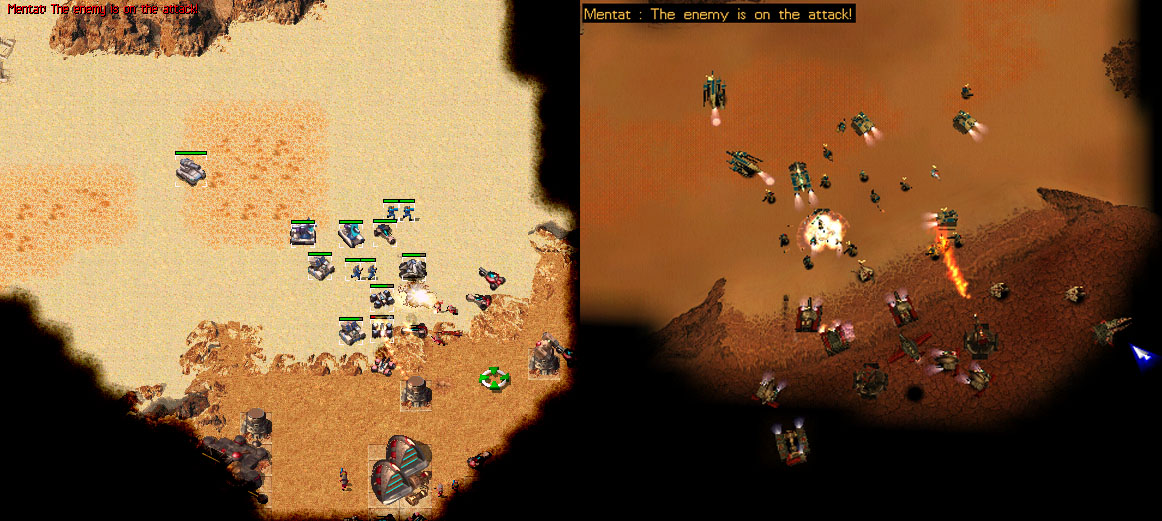
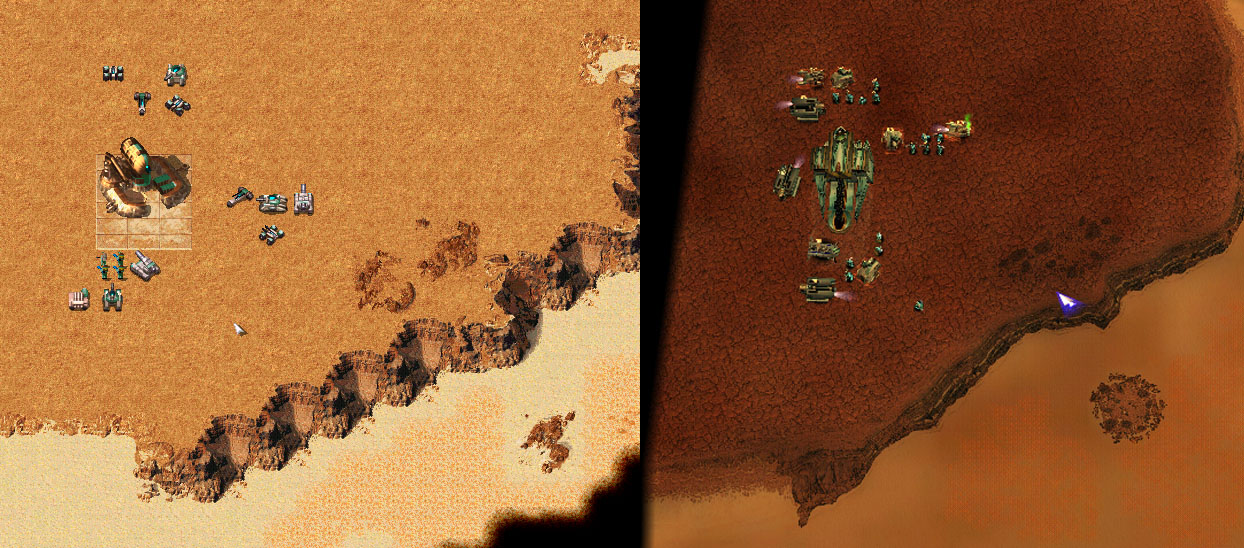
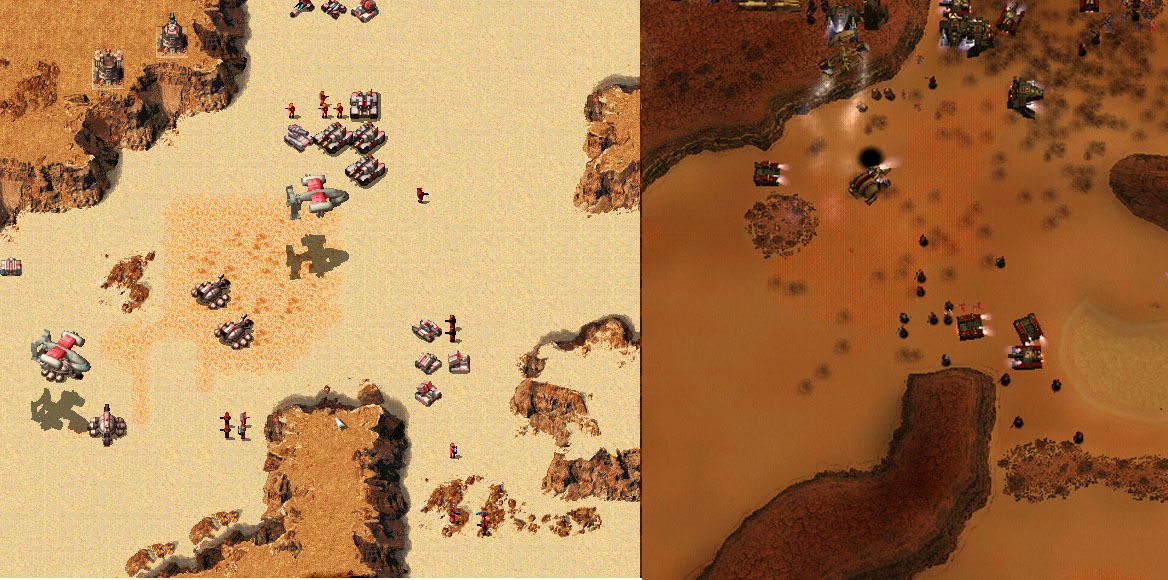
    • Many of the sites graphics are static images, such as the wonderful former logo. These look great but don’t have any ability to scale with larger and smaller screen sizes, which is an issue I had to tackle when dealing with page responsiveness.D2K+ Logo

    • Astro does not have any real sidebar component designed to be used on the main nav layout. Starlight has one but is a very specific theme made for documentation. Other component libraries that were investigated did not meet our needs either, requiring a unique design from scratch.

    • We accept user submitted mods and tools, so we needed a cloud based submission system not directly tied to the front end site (which is static html)

    • Because we have so many pages and only expect more, we needed to develop a system to dynamically update the sites routing and menus

    These issues took some time to resolve (and a lot of testing), but now that they are in place I am quite happy with the results.
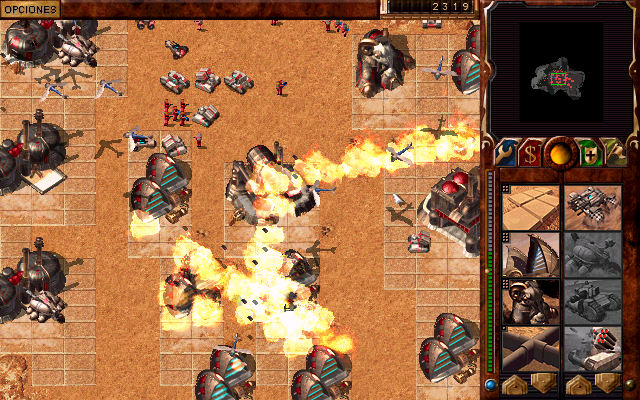
    • · Blog · 3 min read

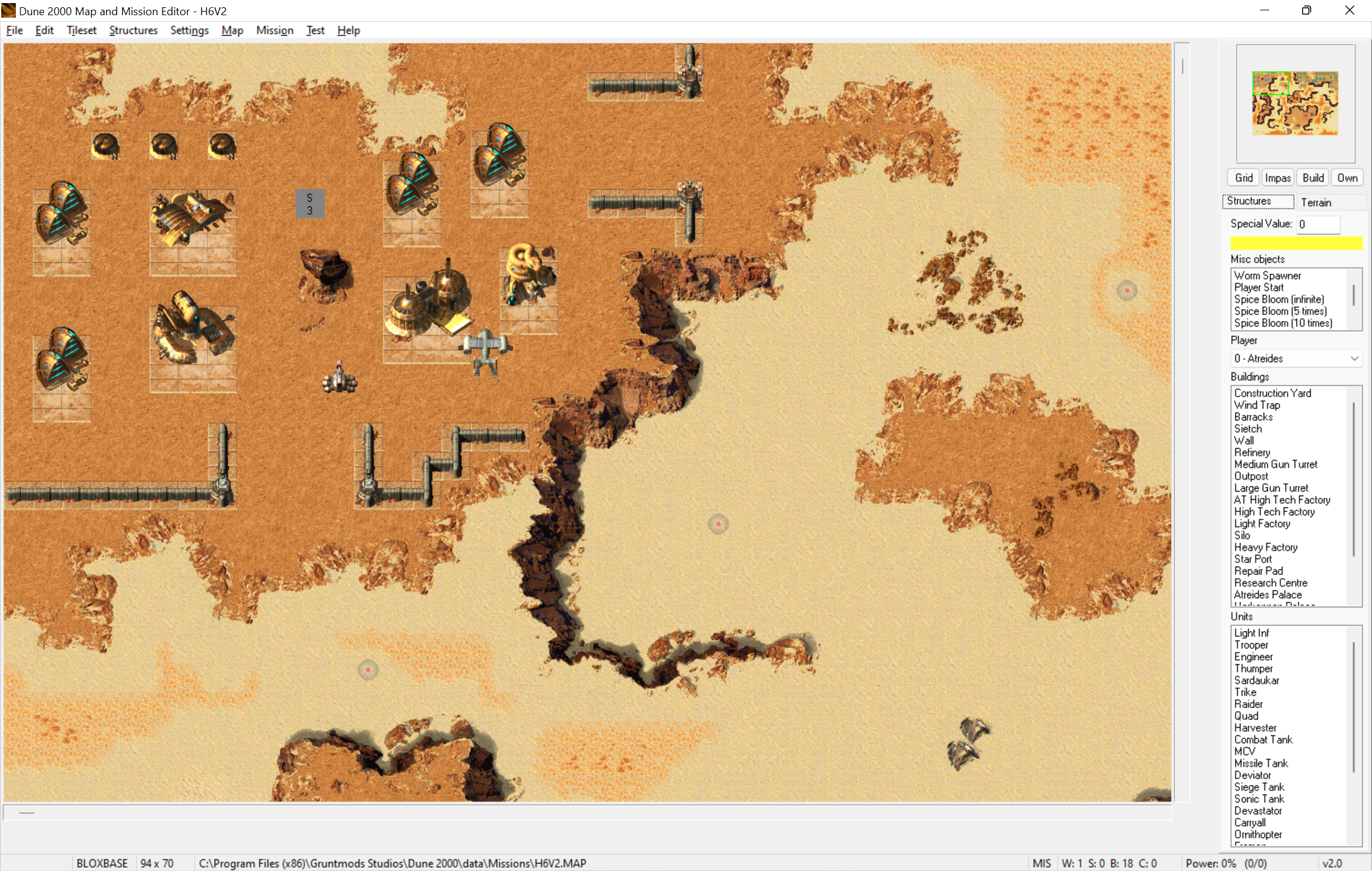
      Map and Mission Editor Version 2.0

      Klofkac has released an update for his Map and Mission Editor, this time reaching version 2.0


      Here is list of changes done since the last release (pre-release 5):

      • Added: When you attempt to save over original game file (map, *.bin etc.) editor will show a warning and let you choose not to save
      • Added: When you have configured Campaign and Mods folder on your mission and attempt to save changes in structures or tileatr editor, editor will automatically save the files into Mods folder (and automatically create Campaign and Mods folder if it did not exist)
      • Added: Structures editor will save only those files (*.bin, data.r16, sound.rs) where any modifications were made. That does not apply to Templates.bin, Armour.bin, Builexp.bin, those will be always saved regardless if modified or not.
      • Changed: Renamed “firing flash” to “muzzle flash”
      • Added: More “Save and test” options in Structures editor (i.e. launching a game without launching any mission)
      • Added: In Structures editor you can view images in raw mode, as well as in player colors of any of 8 players. You can also view image palette.
      • Added: Export and Import images in structures editor. You can import a 256-color paletted bmp image and you can import your custom palette this way. You can import building/unit icon by clicking on that icon. You can edit image’s frame size and offsets.
      • Added: You can edit Samples.uib entries in structures editor and rename sounds in Sound.rs. Added: Export and import unit voice data. It will import samples.uib entries as well as .wav files into sound.rs automatically.
      • Added: Manuals (mapping manual, event and condition manual…) are stored in “doc” folder and are accessible from Help in main menu
      • Fixed: Finite spice blooms now have proper names (number of respawns) in misc. object list
      • Added: Mission launcher feature (replacing game files with files from mods folder). If you set the config “CleanUpExtraModFilesAfterLaunch” in D2kEditor.ini to true, it will automatically clean up all extra files after the game ends, so it will leave your Dune2000 folder clean and in same state as before launch.
      • Changed: Simplified “Launch with settings” dialog Fixed: Worm spawner is now treated as a normal unit and is counted in map statistics, which now give the exact proper number of total structures in a map.
      • Added: Crate counter (to be used when static crates are supported)
      • Added: Automatic “Apply changes” in Events and Conditions window. You no longer need to click Apply changes button or press Enter every time you do a change in a mission or event. Your changes are automatically applied when you switch to a different event/condition, on closing window and on saving a map.
      • Added: In structures mode you can erase structures when right button is held and mouse is moved


      Click here to view the page

      Discuss this on the forum

      Posted by: gruntlord6